
Gym League Trello Board
Columns for machines, worlds, power-ups, Body Alters, gamepasses, and FAQ — get the live URL from Discord, not from a guessed trello.com/b/ link.
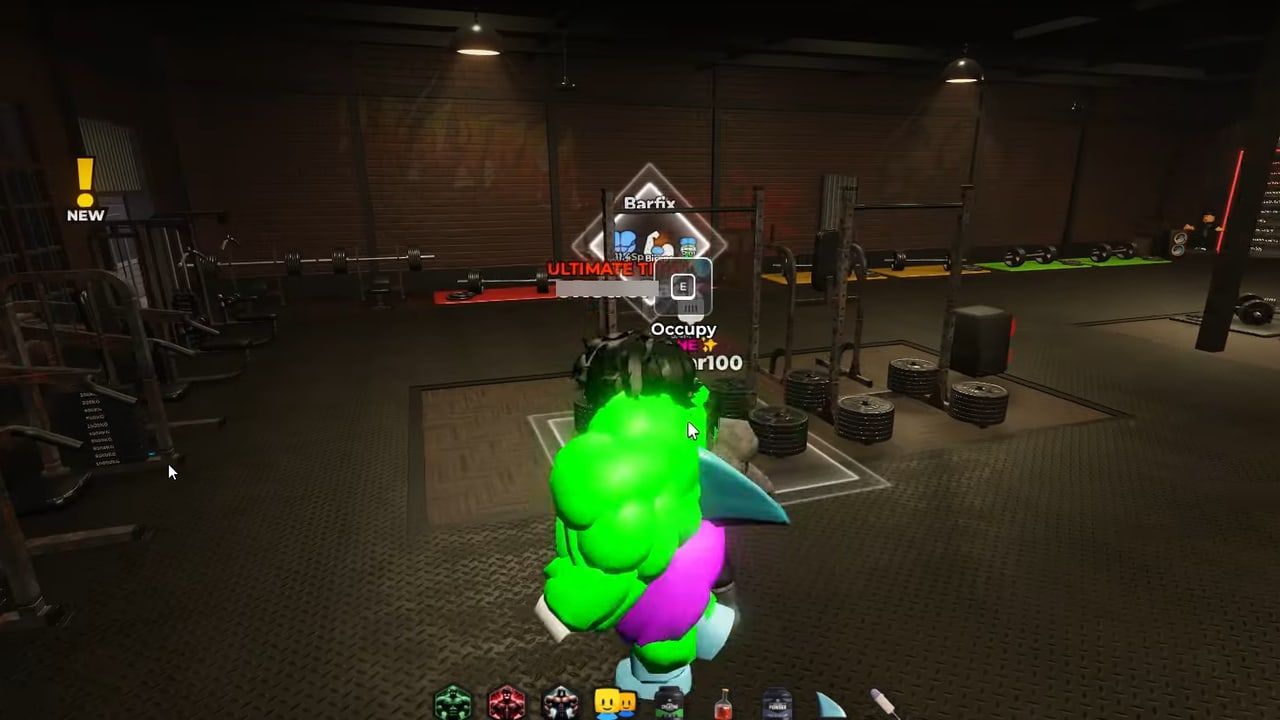
1v2 Studios has kept an official Gym League Trello that players use as a card index: machines, worlds 1–6, power-ups, Body Alters, gamepasses, and a FAQ. This page teaches you how to read those columns. It does not print a trello.com/b/ URL. Boards move, copies appear, and a dead invented link is worse than no link. Get the current board from the 1v2 Studios Discord, the Roblox group shout, or the game page, then come back here so you know which list to open.
Official doors: Gym League on Roblox, 1v2 Studios group, Discord, X @GYMLeagueRBLX. The rest of the address book is the links hub. Community habits (who to play with, bug menu) sit on the players hub.
What Trello is for (and what it is not)
Trello is a set of vertical lists. Each list is a column. Each card in a column is one machine, one alter, one pass, or one FAQ answer. You open a card for cost, perk text, and short notes. Trello is not the Roblox store — if a Gamepass card says one Robux amount and the live shop says another, trust the shop. Trello is not this wiki’s tier lists. Cards describe what a thing is; aura, gym, and gamepass pages argue what to prioritise.
Use Trello when you need a name spelled correctly, a world that owns a Body Alter, or a machine you saw in-game but cannot remember. Use this wiki when you need a route (Beach to Jungle), a cash plan, or a “buy this pass first” argument.
How to use the columns
After you open the live board from Discord:
- Do not scroll the whole board hunting for a sentence. Pick the column that matches the question, then open cards top to bottom.
- Gamepass column. One card per pass (Mutated Genes, VIP, Auto Train, Extra Cash, Muscle Man, Intelligent Trainer, Hyper Pump, Galaxy Weight, Cosmic Weights, stamina, extra slots, and whatever else the live board lists). Open the card for perk text and the last listed price. Then confirm Robux in the Roblox store, because prices move. This wiki’s spend order is the gamepass tier list, not the order of cards on the board.
- Machines column. One card per exercise / station. Use it when you are standing in a gym and cannot tell which machine hits which muscle group. Pair it with the gyms guide so you still leave Beach after Tan instead of becoming a Beach machine expert.
- Worlds columns (World 1–6). Each world column groups that world’s power-ups and Body Alters. World 1 is the Beach / early-alter band; later worlds line up with later gyms. If you are hunting Steel, Diamond, Plasma, Emperor, or Apex, open the world column that names that alter rather than reading World 1 again. The prestige rules (100% muscles + power threshold, cash is not enough) are in Body Alters.
- FAQ / general column. Short answers the designers wanted in writing: controls reminders, how a feature is supposed to work, “where is X.” If FAQ and a Discord announcement disagree, the announcement plus the live game win.
A typical lookup: you see “Pumped” or another pass in the shop and want the perk line. Go to Gamepass, open that card, read the perks, then decide using the tier list whether it is A-tier speed-pump or a skip. Another lookup: you unlocked Underground and want the next alter name. Open the Worlds column that sits after World 1, find the Body Alter cards, then match the power number in-game (Tan 2.5k, Rock 10k, Steel 50k, Diamond 250k, Plasma 1M, Emperor 5M, Apex ~25M+ as commonly listed).
Worlds, gyms, and why the board is split
Trello splits worlds because each band has its own power-ups and alters. This wiki splits gyms because training speed is the ranking players need: Beach and Underground are C, The Gym and Golden are B, Cyber and Gravity are A, Galactic and Jungle are S. The board will not tell you to leave Beach. The gym tier list will. Use both: Trello for the card text, wiki for the order of operations.
Power-up cards (food, oils, potions) live under the world they belong to, not in a single shop list. That is why a World 3 power-up can look “missing” if you only opened World 1. Codes that gift potions still redeem in-game; Trello does not replace the codes hub.
Hygiene rules for Trello URLs
- Prefer the link posted today in Discord or on the group/game page.
- Reject boards whose title is not Gym League, or whose cards are for a different simulator.
- Do not download “Trello APK” mirrors or log into Trello through a third-party Robux site.
- If the official board is locked or moved, wait for 1v2 Studios to post a new URL. Do not substitute a fan copy and call it official on this wiki.
- This page will stay URL-less on purpose until a live board can be verified. That is a feature.
After you close Trello
Train on the highest gym your alter allows. Equip your best cash aura. Spend Robux on muscle and Auto Train before cosmetic weights. Report bugs with the in-game feedback menu. When a card and the shop disagree, the shop wins; when a card and latest updates disagree, the patch notes win.
Same-category: the links hub is the rest of the official stack (Roblox, group, Discord, X). Trello is one tool in that stack, not the wiki, and not a replacement for touching the machines.
Frequently Asked Questions
Quick answers to the most common Gym League questions.
Where is the Gym League Trello link?
On the 1v2 Studios Discord, the Roblox group, and often the game page. This wiki does not invent a trello.com/b/ URL. Start at the links hub and [Discord](https://discord.com/invite/gymleague).
Which Trello column do I open for gamepasses?
The Gamepass column. One card per pass for perks and last listed price. Then confirm Robux in the live store. Spend order is on the gamepass tier list.
Where are Body Alters on Trello?
Under the Worlds columns (worlds 1–6), next to that world’s power-ups. Mechanics and thresholds: Body Alters. Gym order: gyms guide.
What is the Machines column for?
Individual stations and which muscle they train. Use it when you are lost in a gym. It does not rank gyms — that is the gym tier list.
Trello says one price, the Roblox store says another. Which wins?
The live Roblox store. Trello cards lag. Same rule for patch notes vs old FAQ cards — check latest updates and the in-game menu.